
What changes on iPhone Duo
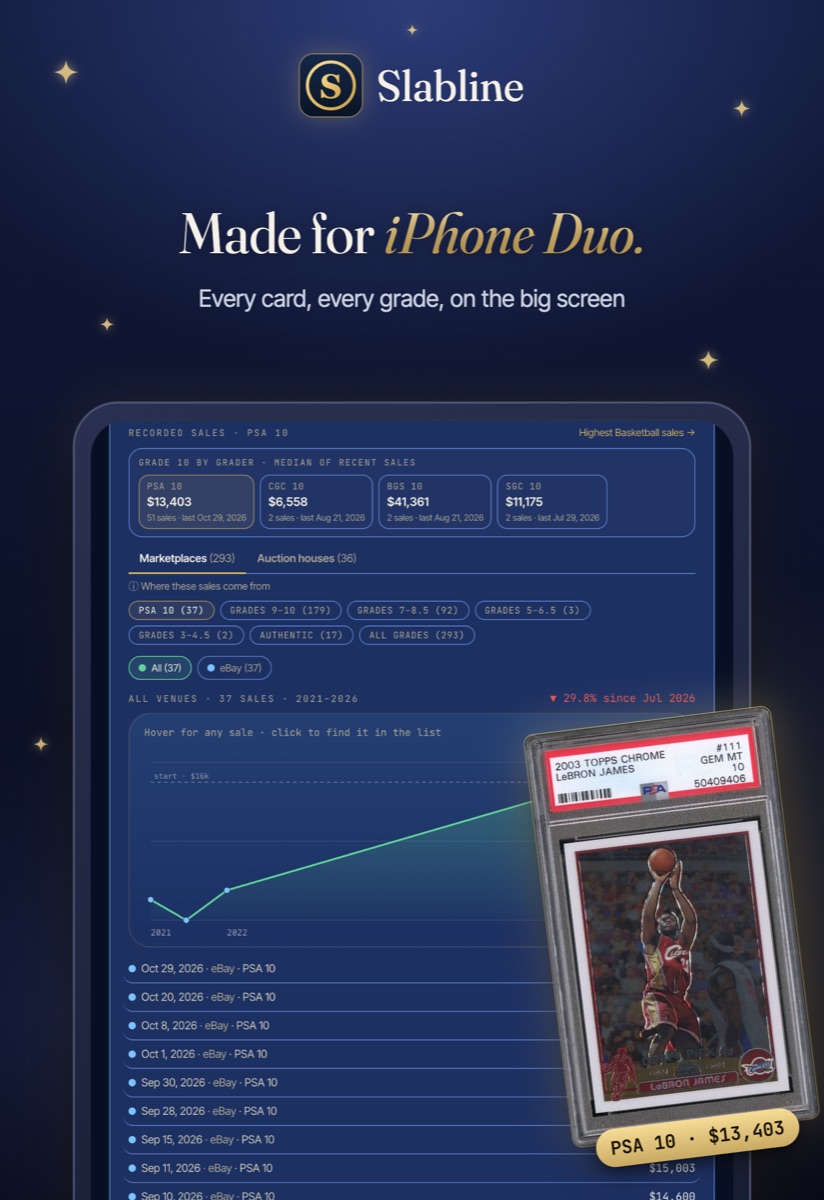
Unfold the phone and a card page spreads across both halves: the price chart, every recorded sale, and the PSA, BGS, SGC and CGC comparison sit side by side instead of stacked. The market pages, indexes and your collection use the extra width the same way.
Fold it and Slabline is the same app you know on a regular iPhone. Nothing moves or resets when you switch.
Real screens, real cards
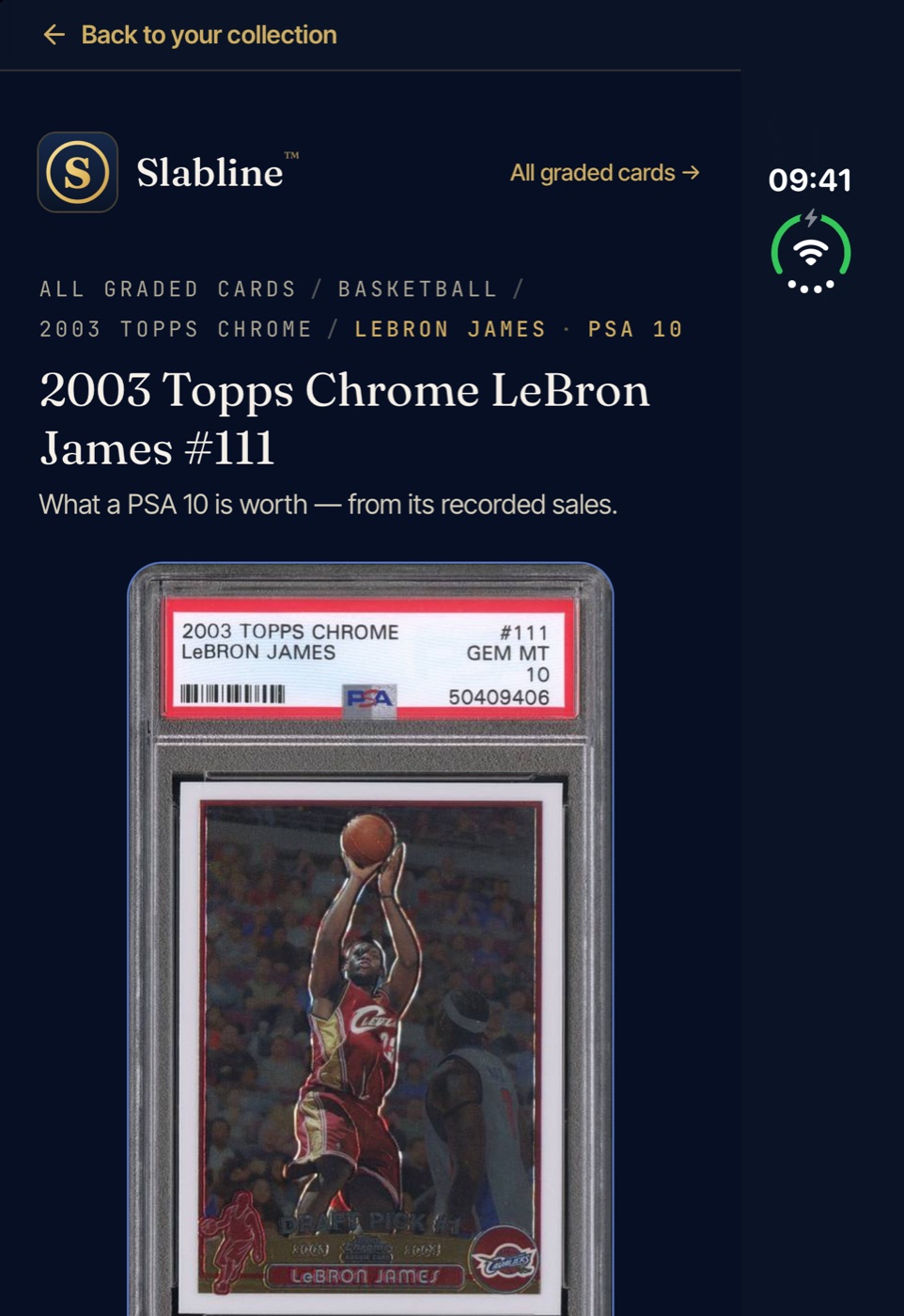
These are Slabline running on Apple’s iPhone Duo simulator: a card page with its slab and value on one side, and the card market’s daily indexes on the other.
The market at a glance
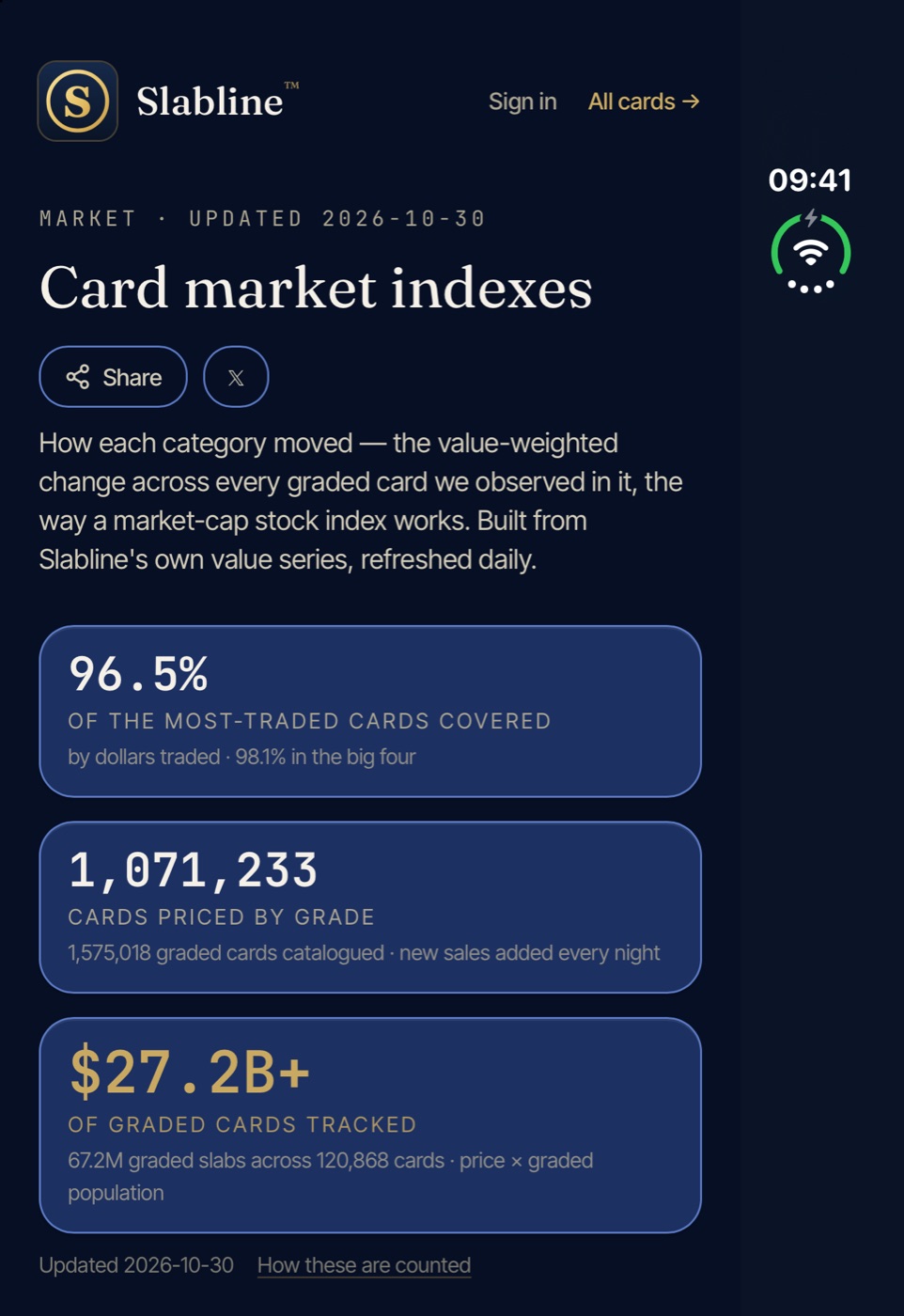
Daily indexes for every category, the biggest recorded sales and what is moving — on the Duo they sit beside the card you are looking at.
Also new in 2.6.2
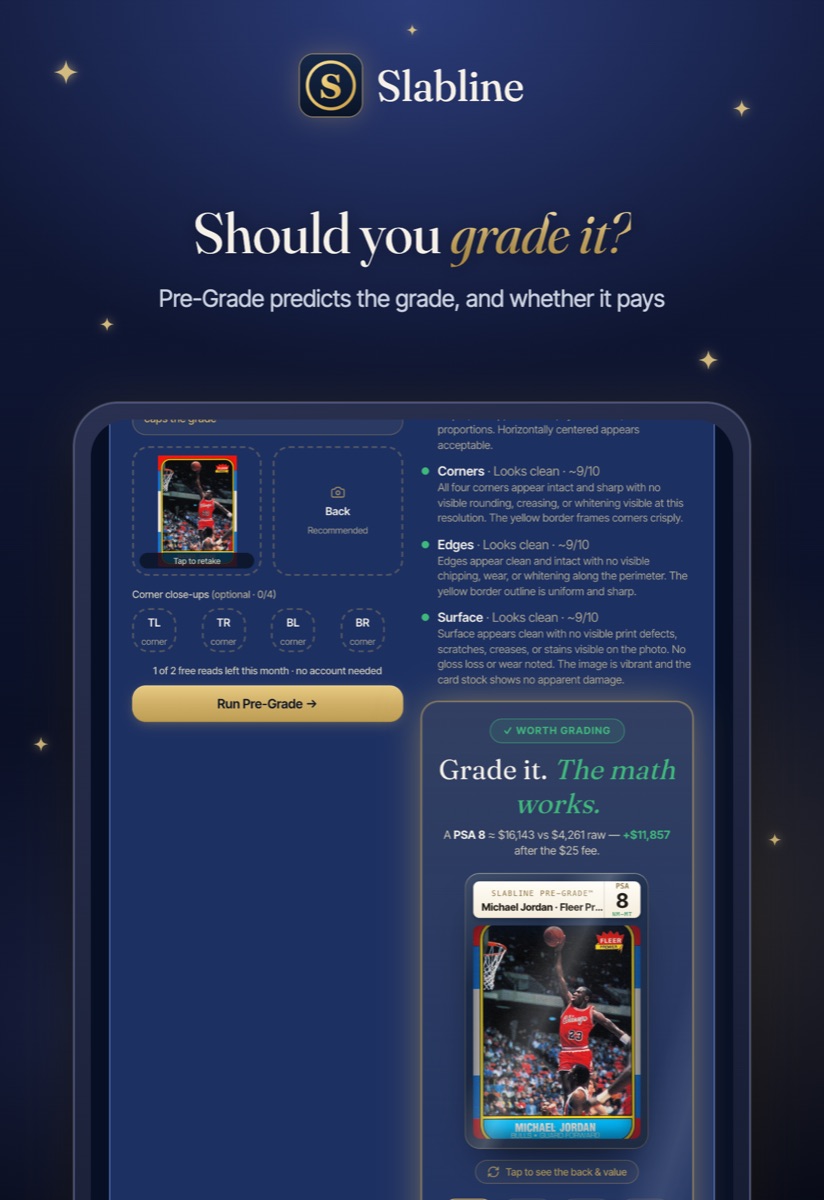
Pre-Grade: snap a raw card and Slabline estimates the grade, prices it at that grade, and tells you whether the grading fee pays off.
Deal alerts: tell Slabline which cards you want and get an email when one is listed below its value.
Insurance-ready schedule: every card, cert, grade and current value in one PDF for your broker or a collectibles insurer.
Card search from any card page, and support for iOS 27 throughout.
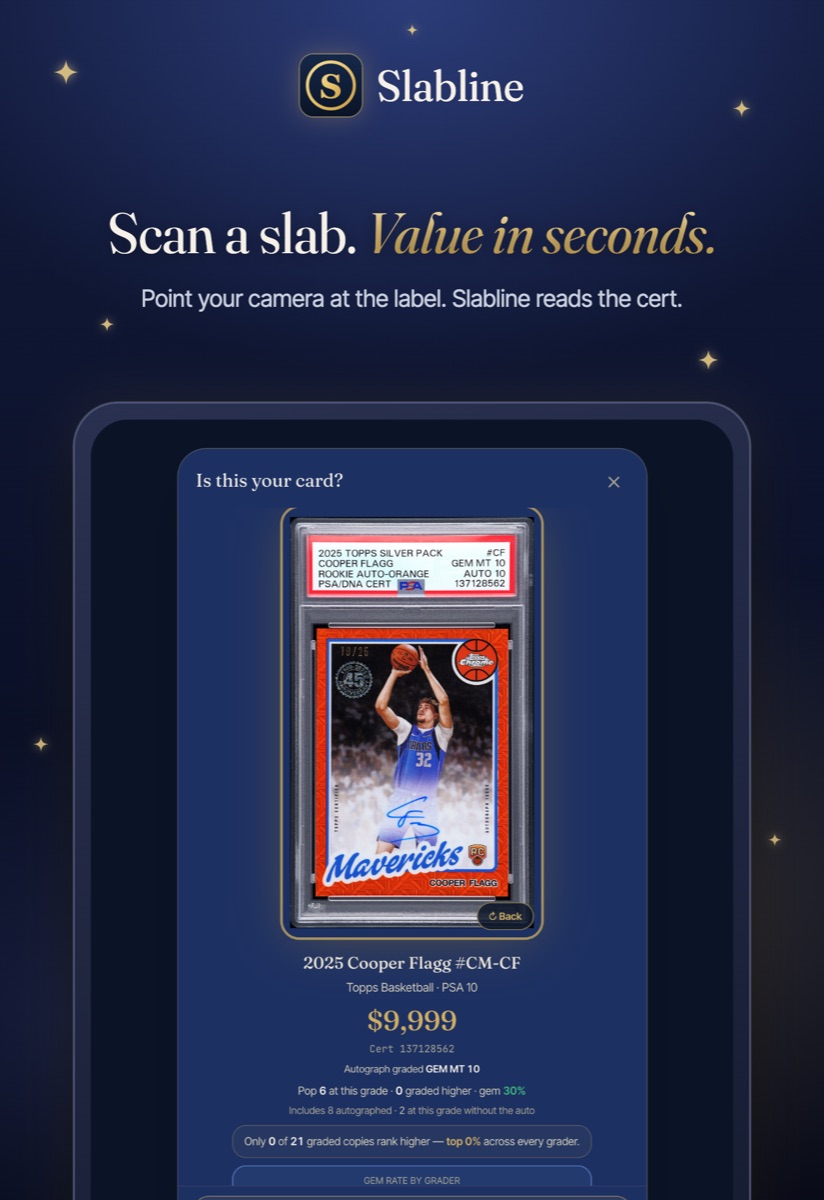
Scan a slab
Point the camera at a PSA, BGS, SGC or CGC label and Slabline reads the cert, finds the exact card and prices it at its grade, with its population.
How to get it
Slabline is free on the App Store for iPhone, iPad and iPhone Duo, and on Google Play for Android. If you already have it, the update installs on its own; you can also tap Update on the Slabline page in the App Store.

